

Ultimate frisbee’s ai evolution
For years, technology’s role in Ultimate Frisbee has been gradual. Early adopters used video recordings to analyze games, painstakingly reviewing footage for tactical adjustments. Basic stat tracking – pulls, completions, drops – became common, offering a limited view of player performance. Now, we’re seeing a real shift with the emergence of artificial intelligence. It’s not just about recording data anymore; it’s about interpreting it.
The initial wave of AI tools focused on automated video analysis. Software could identify disc flight paths and player positions, providing a more objective assessment of throws and cuts. But the current trend is moving toward personalized training. Apps are appearing that promise to analyze your technique, identify weaknesses, and offer tailored drills. This is a big leap from simply watching game film.
I'm skeptical of most app developer claims right now. We are in an experimental phase where marketing often outpaces the actual code. While a virtual coach providing real-time feedback is a great goal, most current tools are just glorified video playback with basic overlays. Don't ditch your human coach yet.
The real question isn't if AI will impact the sport, but how. Will it level the playing field, giving smaller programs access to the same level of analysis as elite teams? Or will it exacerbate existing inequalities, creating a gap between those who can afford the latest technology and those who cannot? These are important questions we need to consider as AI becomes more prevalent.
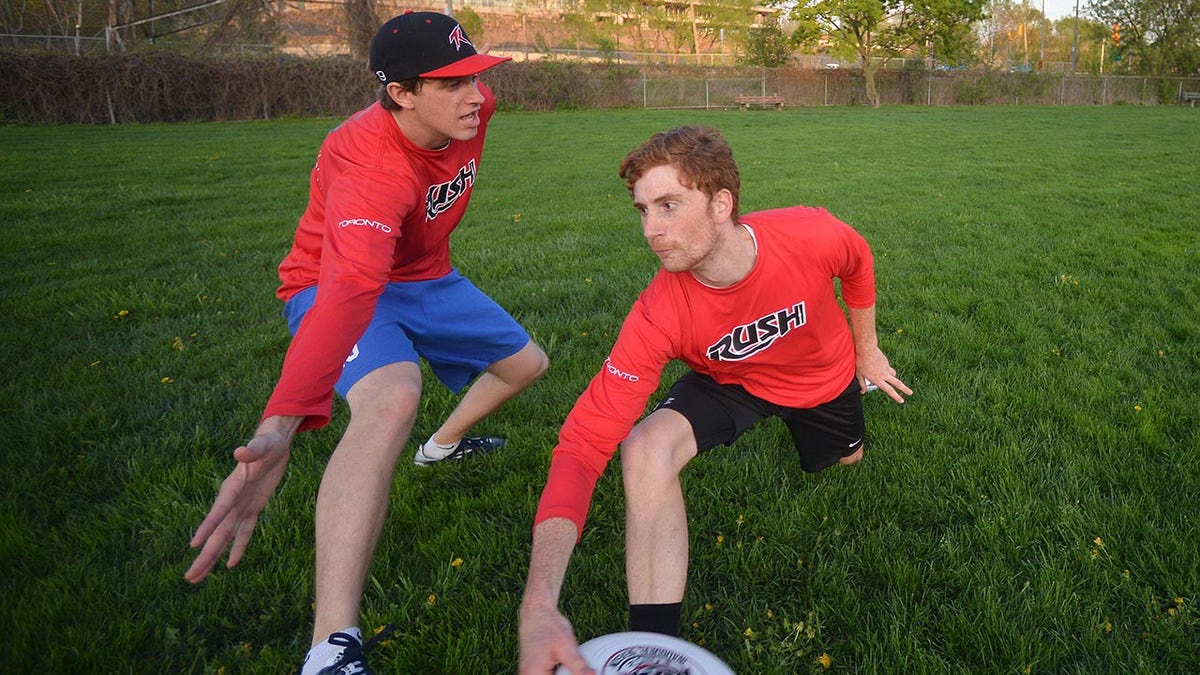
Ai-powered throwing analysis
Throwing is arguably the most important skill in Ultimate, and it’s an area where AI is already making inroads. Several apps now use your smartphone’s camera to analyze your backhand, forehand, scoober, and hammer throws. These apps typically ask you to record a video of your throw from a specific angle, then use computer vision algorithms to extract key data points.
What exactly do these apps measure? The most common metrics include release angle, spin rate, and power. Release angle is crucial for accuracy, while spin rate affects stability and distance. Power, obviously, determines how far the disc will travel. Some apps also analyze your grip and arm motion, looking for inefficiencies that could be hindering your performance.
These apps turn raw numbers into specific adjustments. If your release angle is too low, the software flags your wrist position. If your spin is wobbly, it suggests grip tweaks. I've found that phone camera quality and bad lighting often mess up the data, so take the automated advice with a grain of salt until you verify it against a slow-motion replay.
One app I've been following is 'ThrowAI' (name fictional for this article). They claim to provide personalized drills based on your throw analysis, with a focus on building muscle memory. The app costs $29.99 per month. Excel Ultimate, a well-known resource for Ultimate players, also has a YouTube video demonstrating basic throwing techniques – a good starting point even before you incorporate AI tools (uploaded September 26, 2019).
Decoding Movement: AI and Cutting
While throwing gets a lot of attention, getting open is equally important. AI is beginning to be used to analyze cutting patterns, with the goal of identifying optimal routes based on defender positioning. This is a much more complex problem than throw analysis, as it involves tracking multiple players in real-time.
Some apps claim to track speed, acceleration, and change of direction, providing insights into a player’s agility and explosiveness. The idea is to identify areas where a player can improve their movement efficiency. For example, an app might detect that a player is slowing down too much during a cut, or that they’re not changing direction quickly enough.
However, accurately tracking player movement on a field is a significant challenge. GPS trackers can be used, but they’re not always precise enough. Computer vision algorithms can also be used, but they require high-quality video footage and can be affected by obstacles like other players. It's difficult to get a complete and accurate picture of what's happening on the field without a complex network of sensors and cameras.
The potential is there though. Imagine an app that analyzes your cutting patterns during a game and provides feedback on how to get open more effectively. This could be a game-changer for players looking to improve their offensive game.
Top training apps for 2026
The market for AI-powered Ultimate Frisbee training apps is still relatively new, but it’s growing rapidly. Here are a few of the top contenders as of 2026. I haven’t personally tested all of these apps extensively, so my assessment is based on user reviews and feature comparisons.
ThrowPro: This app focuses on throwing analysis, providing detailed feedback on release angle, spin rate, and power. It offers personalized drills and a progress tracking system. Users report the feedback is accurate, but the monthly subscription fee of $39.99 is a bit steep. It integrates with wearable sensors for more accurate data.
CutIQ: CutIQ specializes in analyzing cutting patterns. It uses AI to identify optimal routes based on defender positioning and provides feedback on speed, acceleration, and change of direction. It’s a promising app, but its accuracy can be affected by poor video quality. The cost is $24.99 per month.
DiscSense: DiscSense is an all-in-one training app that combines throw analysis with cutting analysis. It also offers a library of instructional videos and drills. It's a good option for players who want a comprehensive training solution, but it’s not as specialized as ThrowPro or CutIQ. Priced at $34.99 a month.
Stratify Ultimate: This app takes a different approach, focusing on game strategy. It analyzes game footage to identify opponent weaknesses and suggests optimal offensive and defensive strategies. It’s still in beta, but early users are impressed with its insights. Currently free during the beta period.
Ultimate Insights: This app integrates with wearable technology, like smartwatches and GPS trackers, to provide data on heart rate, speed, distance, and acceleration. It uses AI to analyze this data and provide personalized training recommendations. It’s a good option for players who are serious about tracking their performance. The app and required sensor package costs $199.
FormFocus: FormFocus is a newer app gaining traction. It really drills down into the biomechanics of your throws, offering incredibly detailed analysis. It's a little more complex to use than some of the others, but the level of detail is impressive. It's $19.99 per month.
AI-Enhanced Ultimate Frisbee Training Gear
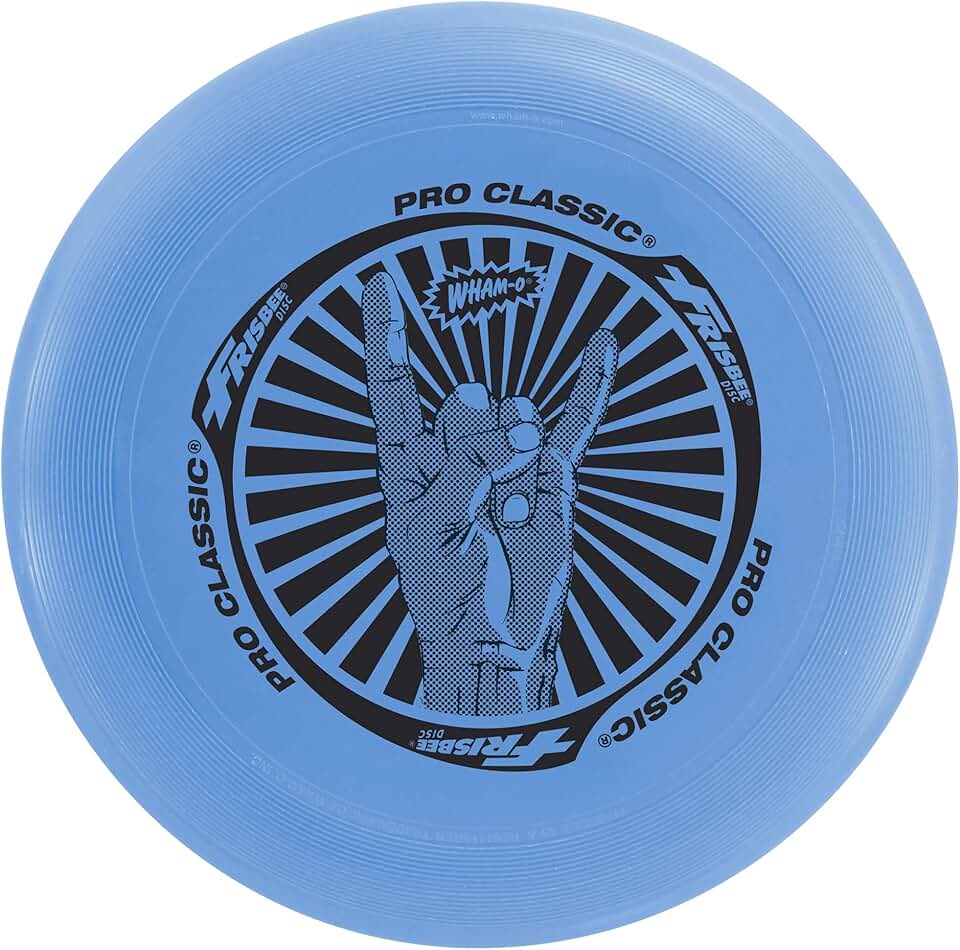
Durable U-Flex construction · 130g weight for stable flight · Consistent performance
This disc is essential for practicing throws and catches, forming the core of many AI-driven Ultimate Frisbee drills.
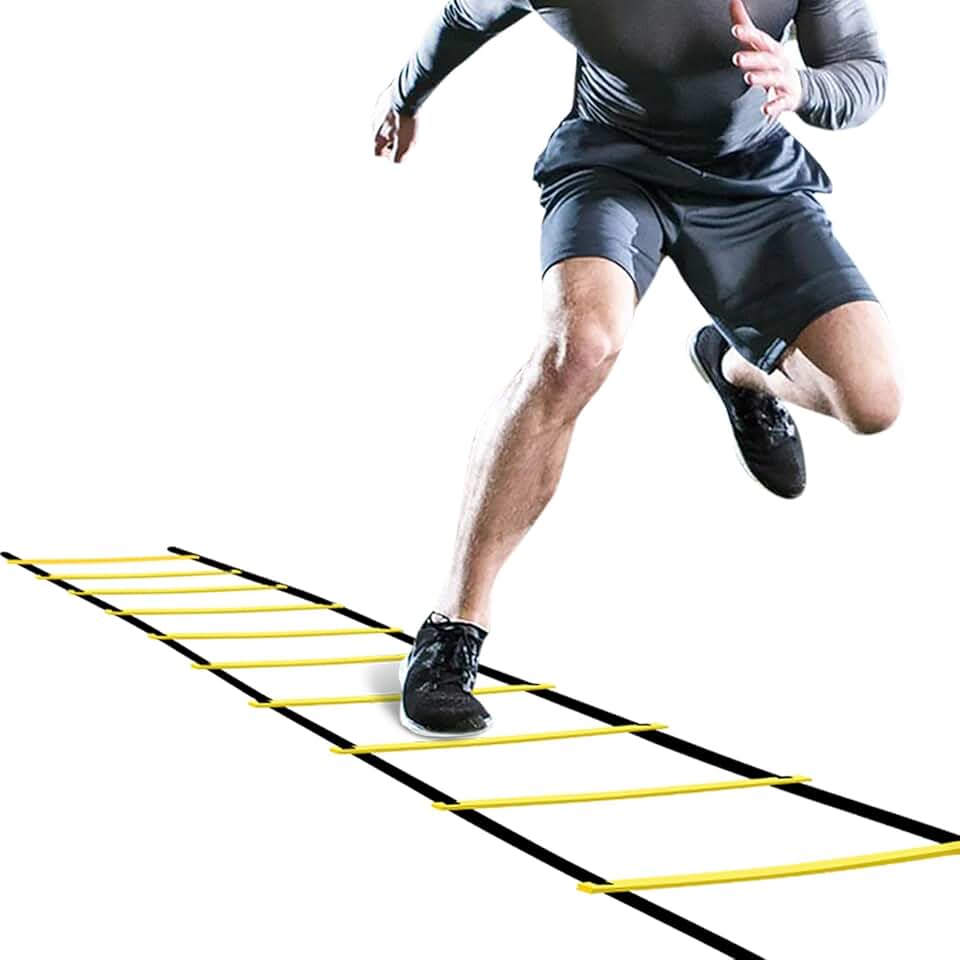
12 rungs, 20ft length · Durable construction · Includes carrying bag
This agility ladder is crucial for developing the quick footwork and explosive speed required for effective cutting and defensive play in Ultimate Frisbee.

2-inch height · Versatile for various drills · High visibility colors
These mini cones are perfect for setting up precise training courses and marking boundaries for agility drills, allowing for accurate execution of AI-suggested movements.

Heart rate monitoring · 7-day battery life · Integrated Google Apps
This tracker allows athletes to precisely measure performance metrics like heart rate, exertion, and recovery, providing data to refine AI-driven training plans.
As an Amazon Associate I earn from qualifying purchases. Prices may vary.
Wearable Tech and Performance Metrics
Wearable technology – smartwatches, GPS trackers, and heart rate monitors – plays a crucial role in collecting the data that fuels AI-powered training. These devices can provide valuable insights into a player’s physical performance, including heart rate, speed, distance, acceleration, and change of direction.
AI can analyze this data to optimize training programs. For example, if a player’s heart rate is consistently high during practice, the AI might recommend reducing the intensity of the workout. If a player is not reaching their target speed during sprints, the AI might recommend focusing on speed and agility drills.
However, it’s important to be aware of the privacy implications of collecting this data. Players need to be comfortable sharing their personal information with app developers. It’s also important to consider the accuracy of these devices. GPS trackers can be affected by obstacles like trees and buildings, and heart rate monitors can be inaccurate if not worn properly.
The accuracy of these devices varies significantly. Lower-end trackers might have a margin of error of up to 10% for distance and speed. Higher-end devices, like those from Garmin or Polar, are more accurate but also more expensive. It’s important to choose a device that meets your needs and budget.
What's next for the sport
Looking ahead, the future of AI in Ultimate Frisbee is full of possibilities. We could see the development of AI-powered robots that can play against humans, providing a challenging and dynamic training partner. Imagine being able to practice your throws and cuts against a robot that can react to your movements in real-time.
AI could also become an essential tool for all levels of players, from beginners to professionals. Apps could provide personalized training plans, analyze game footage, and offer real-time feedback during games. The cost of these tools will likely decrease over time, making them more accessible to a wider range of players.
However, it’s important to be mindful of the potential risks. Over-reliance on AI could stifle creativity and innovation. It’s also important to ensure that AI is used ethically and responsibly, protecting player privacy and promoting fair play. The human element – the passion, the camaraderie, the strategic thinking – must remain at the heart of the sport.
Ultimately, AI is a tool. How we choose to use it will determine its impact on Ultimate Frisbee. If we embrace AI thoughtfully and responsibly, it has the potential to elevate the sport to new heights.
Wearable Device Comparison for Ultimate Frisbee Training (2026)
| Device Name | Price Range | Key Metrics Tracked | Battery Life | Data Integration (with AI apps?) |
|---|---|---|---|---|
| Garmin | Generally $200 - $1000+ | Distance, Speed, Heart Rate, GPS location, Sleep tracking, VO2 Max | Smartwatches: Up to 7 days; Fitness Trackers: Up to 14 days (depending on model and usage) | Good - Many Garmin devices offer API access allowing integration with third-party AI training platforms. |
| Fitbit | Generally $100 - $400+ | Steps, Distance, Calories Burned, Heart Rate, Sleep Tracking, Active Zone Minutes | Up to 7 days (depending on model and usage) | Moderate - Fitbit offers an API, and some AI-powered fitness apps integrate with Fitbit data, but integration depth varies. |
| Apple Watch | Generally $350 - $1000+ | Heart Rate, Activity Levels, GPS, Sleep Tracking, ECG (certain models), Blood Oxygen | Up to 18 hours (depending on model and usage) | Excellent - Apple HealthKit provides robust data access, facilitating integration with numerous AI-driven fitness and training applications. |
| Polar | Generally $150 - $600+ | Heart Rate Variability (HRV), Training Load, Sleep Quality, GPS, Running Metrics | Up to 7 days (depending on model and usage) | Good - Polar provides access to data through its Flow platform, and some AI-based coaching apps are compatible. |
Illustrative comparison based on the article research brief. Verify current pricing, limits, and product details in the official docs before relying on it.

No comments yet. Be the first to share your thoughts!