

Smart Discs: A New Game?
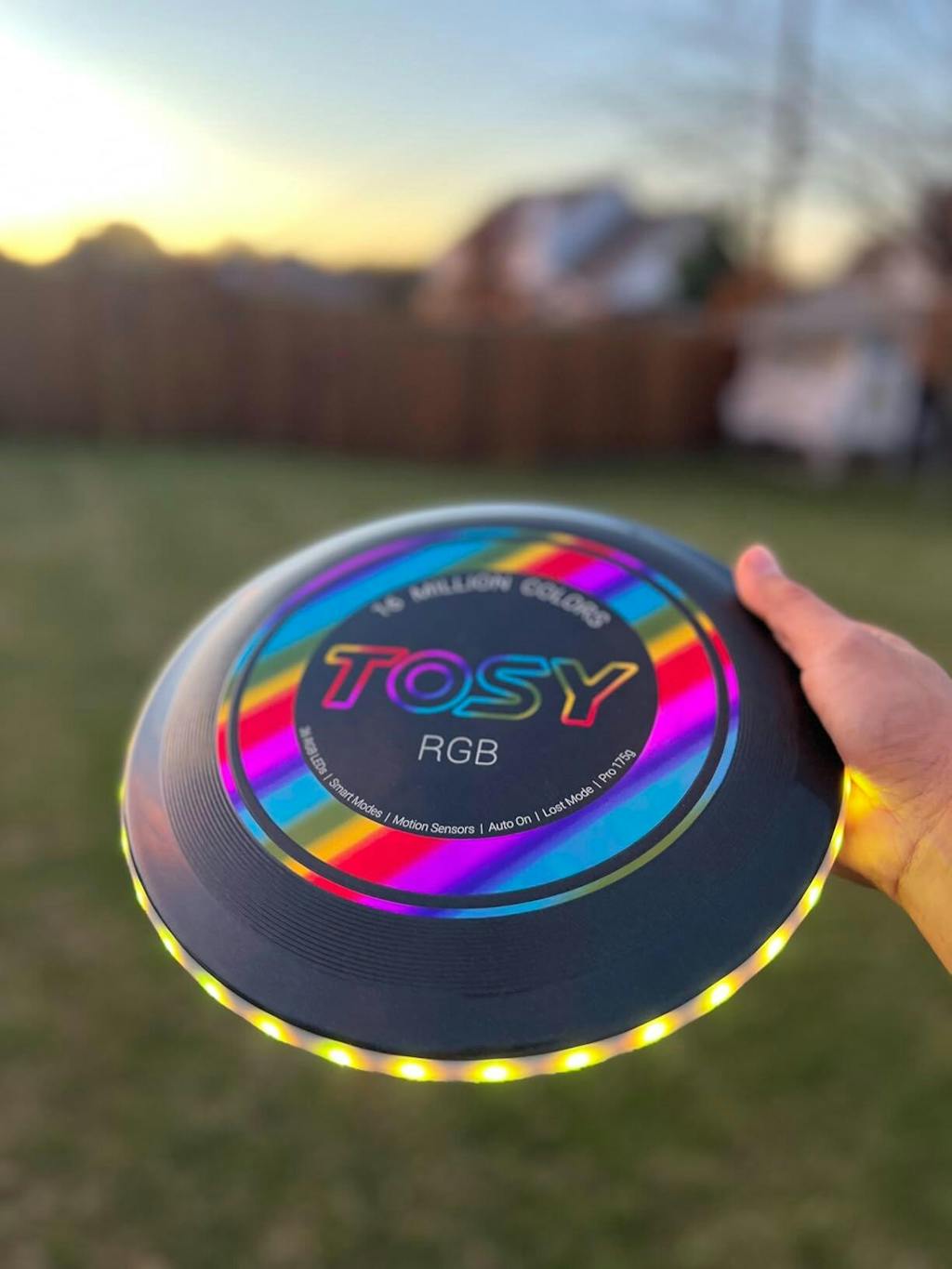
The world of Ultimate Frisbee is changing, not through rule changes or new field layouts, but through technology. Smart Frisbees and training tools are emerging, offering a data-driven way to improve your game. These discs have embedded sensors designed to capture information about every throw.
The appeal is objective feedback. For years, players relied on feel and subjective assessment. A smart disc offers concrete numbers – spin rate, release angle, velocity – allowing players to identify areas for improvement with precision previously unavailable. This appeals to a younger generation comfortable with data.
However, skepticism exists. Many long-time Ultimate players value the game's simplicity and spirit. Introducing technology feels different. Early adopters of performance tracking in baseball faced resistance, but the data eventually proved its worth. The question is whether Ultimate will follow a similar path or largely reject this tech-focused approach.
Technology in sports is gradually accepted. From video replay to biomechanical analysis, technology has slowly integrated into training and competition. It's not always seamless, and concerns about cost and accessibility are valid, but the trend is clear. Smart Frisbee equipment is the latest step in that evolution.
Disc-Based Sensors: What They Measure
A smart Frisbee's sensor suite measures a wide range of variables. Spin rate is common and intuitive – faster spin generally means a more stable flight. Release angle is equally important, influencing the disc’s trajectory and range.
Velocity, the speed at which the disc leaves your hand, is another key metric. Combined with release angle, velocity dictates how far the disc will travel. Some discs attempt to measure stall count, which is trickier but could provide insights into throwing efficiency. Distance traveled is a fundamental measurement, most useful alongside other data points.
Flight path is an interesting and challenging data point. Capturing the precise trajectory requires sophisticated sensors and algorithms. This data can reveal subtle flaws in throwing mechanics. However, accuracy is a significant concern, as sensor limitations and environmental factors (like wind) can introduce errors.
Spin rate matters because a low spin rate can lead to a wobbly, unpredictable disc. Knowing this, a player can refine their grip and release technique to generate more spin. Understanding your release angle helps you throw more accurately and consistently. The goal is to translate data into tangible skill improvements.
- Spin Rate: Influences disc stability.
- Release Angle: Impacts trajectory and range.
- Velocity: Determines how far the disc travels.
- Stall Count: (Potential) Indicates throwing efficiency.
- Distance: Fundamental measurement, best used with other data.
- Flight Path: Reveals flaws in throwing mechanics.
Smart Disc Sensor Technology Comparison
| Sensor Type | Primary Data Provided | Strengths | Weaknesses | Typical Applications in Smart Discs |
|---|---|---|---|---|
| Inertial Measurement Unit (IMU) | Orientation, Angular Velocity, Linear Acceleration | Combines data from multiple sensors for robust motion tracking. Relatively low cost and power consumption. | Susceptible to drift over time, requiring periodic recalibration. Doesn't provide absolute position. | Analyzing throw angle, spin rate, and release characteristics. Detecting stall counts and basic throw types. |
| Gyroscope | Angular Velocity (Rotation Rate) | Excellent at measuring rotational speed and detecting changes in orientation. Important for understanding disc spin. | Doesn’t provide information about linear acceleration or position. Can be affected by temperature variations. | Measuring disc spin rate for throw analysis. Identifying the stability of a throw based on rotational forces. |
| Accelerometer | Linear Acceleration | Measures changes in velocity – useful for detecting throws, catches, and impacts. Simple and inexpensive. | Sensitive to vibration and noise. Doesn’t directly measure orientation or rotation. | Detecting the force of a throw. Identifying impact events during a catch. Determining throw direction based on acceleration vector. |
| GPS | Absolute Position (Latitude, Longitude, Altitude) | Provides precise location data, enabling tracking of disc flight path and player movement. | Requires clear sky view for accurate signal. Higher power consumption than other sensors. Can be unreliable indoors. | Mapping disc flight paths. Tracking player positioning during a game. Measuring throwing distance. |
| Magnetometer | Magnetic Field Direction | Provides heading information, useful for determining disc orientation relative to magnetic north. | Susceptible to interference from metal objects and electromagnetic fields. Not reliable near large metal structures. | Determining disc orientation relative to the thrower. Supplementing IMU data for more accurate heading information. |
| Barometer | Air Pressure | Can estimate altitude changes, useful for understanding disc flight in varying terrain. | Affected by weather conditions. Less precise than GPS for altitude measurement. | Estimating throw height and flight path in relation to elevation changes. |
Qualitative comparison based on the article research brief. Confirm current product details in the official docs before making implementation choices.
Top Smart Discs of 2026
The smart disc market is young, but several players are emerging. Here are some options available in 2026, based on current trends and Amazon best-seller data. Pricing can fluctuate, so these are approximate.
Discraft Sensor Disc ($129.99): Discraft offers a sensor disc focused on core metrics – spin rate, release angle, and velocity. It's known for ease of use and integration with a mobile app. Pros: Reliable data, user-friendly app, strong brand reputation. Cons: Limited data points, expensive. Best for: Beginners and intermediate players.
UltiTech Pro ($149.99): This disc has an advanced sensor suite, including flight path tracking and stall count estimation. It's aimed at serious players wanting detailed insights into their throws. Pros: Comprehensive data, advanced analytics, durable construction. Cons: Steeper learning curve, higher price. Best for: Intermediate and advanced players.
Five Ultimate X ($99.99): Five Ultimate provides affordable, accessible smart disc technology. The X model tracks spin rate, velocity, and distance, syncing with a mobile app. Pros: Budget-friendly, easy to set up, good for basic data tracking. Cons: Less accurate than higher-end models, limited features. Best for: Beginners and casual players.
Spinfinity SmartDisc ($179.99): Spinfinity’s disc offers real-time feedback. The disc vibrates slightly during flight, providing subtle cues to the thrower about spin and release angle. Pros: Innovative feedback system, detailed data analysis, premium build quality. Cons: High price, may take time to get used to the vibration feedback. Best for: Advanced players seeking a unique training tool.
AeroTech Glide ($119.99): AeroTech focused on aerodynamic design alongside sensor integration. This disc provides accurate data without compromising the feel and flight characteristics of a traditional Ultimate disc. Pros: Good balance of performance and data tracking, comfortable grip, relatively affordable. Cons: Data analysis features are less extensive than some competitors. Best for: Intermediate players prioritizing feel and flight.
Momentum SmartFlight ($139.99): Momentum emphasizes durability and weather resistance. It's designed to withstand outdoor play and provide consistent data regardless of conditions. Pros: Rugged construction, reliable performance in all weather, accurate data tracking. Cons: App interface could be more intuitive, slightly heavier than some other discs. Best for: Players in harsh conditions.
Featured Products

Standard 175-gram weight for ultimate frisbee · Durable construction for consistent flight · White color for high visibility
A reliable and widely-used disc for competitive play and practice.
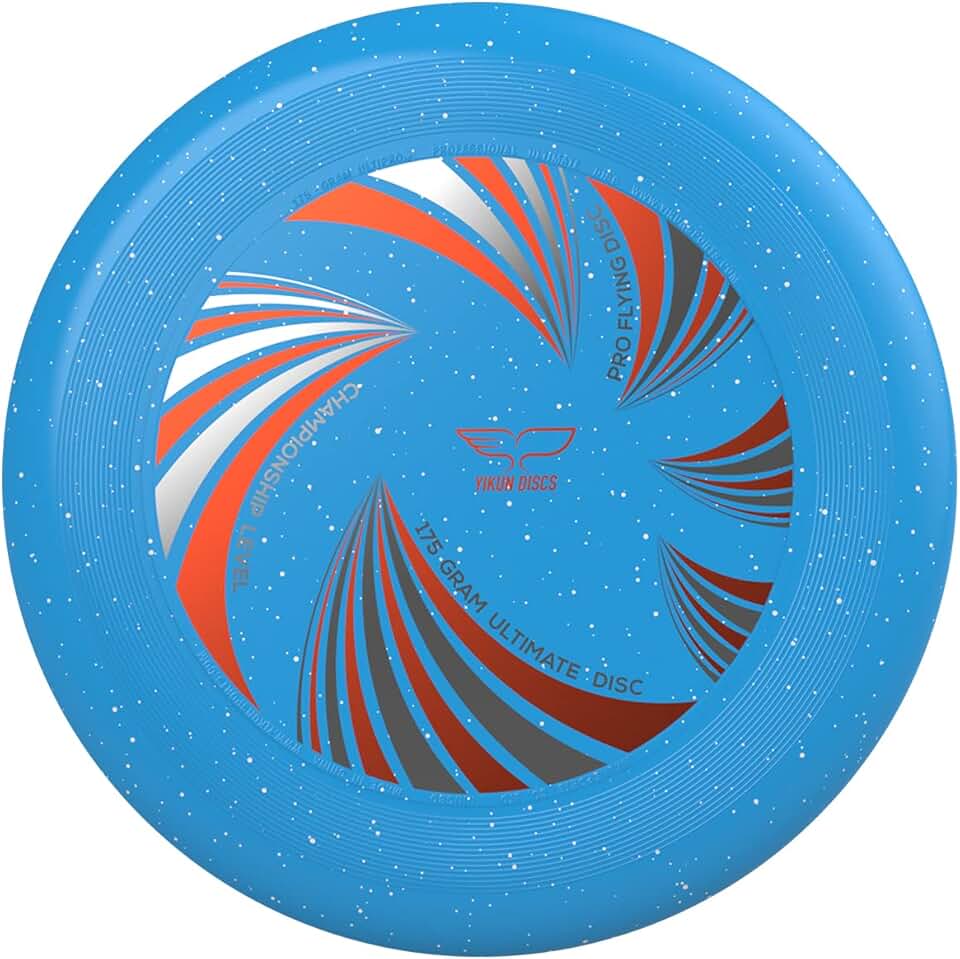
WFDF and USAU approved for official play · Made with eco-friendly materials · 175-gram weight for optimal flight characteristics
Offers official approval and eco-conscious construction at an accessible price point.

Standard 175-gram weight for ultimate frisbee · Durable construction for consistent flight · Bright yellow color for high visibility
A trusted choice for players seeking a durable and visible disc for training and games.
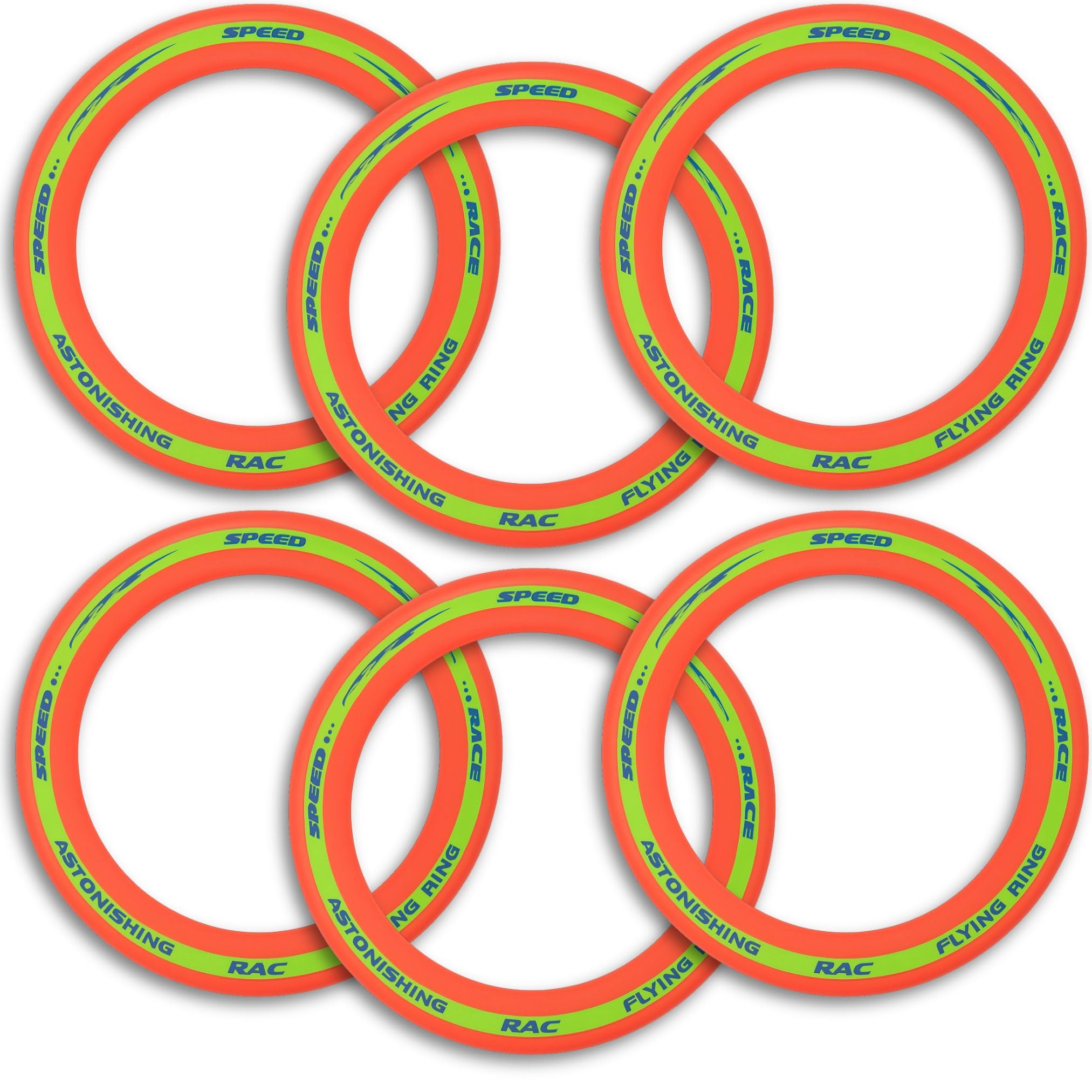
Classic 175-gram weight · Durable plastic for long-lasting use · Designed for stable flight
A well-established and durable option for recreational and competitive ultimate players.
Designed for controlled, straight flight paths · Durable plastic blend · Suitable for various skill levels
While not a standard ultimate disc, its predictable flight makes it a good option for practicing specific throwing techniques.
As an Amazon Associate I earn from qualifying purchases. Prices may vary.
Training Tools: Beyond the Disc
A smart disc is a starting point. To leverage the data it collects, you need complementary training tools. Several apps integrate with these discs, providing detailed analytics, personalized training plans, and progress tracking. UltiTrack is a popular option, offering visualizations of throwing data and customized drills.
Some companies develop physical training tools. Target nets can be used with smart discs to measure accuracy and consistency. Cones and markers help players practice cutting patterns and defensive positioning, while the disc tracks their movement and throwing data. Integration isn't always seamless, but it's improving.
Subscription models are common. Some apps offer basic features for free but require a monthly or annual subscription to unlock advanced analytics and personalized training plans. Prices range from $9.99 to $29.99 per month, depending on features. Consider these costs when evaluating the value of a smart disc system.
Online communities and coaching platforms are emerging to support smart disc users. These platforms provide a space for players to share data, discuss training techniques, and receive feedback from experienced coaches. This social aspect can motivate players and help them stay engaged with training.
Data Analysis: Making Sense of It All
Collecting data is only half the battle. The challenge is interpreting that data and using it to improve your game. A common mistake is focusing too much on raw numbers and not enough on context. A high spin rate isn’t necessarily good if it’s not accompanied by accurate release angle and consistent velocity.
Data can reveal flaws in throwing mechanics that might be difficult to identify on your own. For example, if your data shows a consistently low release angle, it could indicate that you’re not using your legs effectively. Similarly, inconsistent spin rates might suggest a problem with your grip or release technique. Coaches often emphasize these points, but data provides objective validation.
Analyzing cutting patterns can also be insightful. Are you consistently getting open on your first cut? Are you running efficient routes? Data can help you identify areas where you can improve your timing and positioning. Defensive positioning can also be analyzed – are you consistently in the right place to make a play? Are you anticipating throws effectively?
Expert advice is invaluable. Several Ultimate Frisbee coaches are now incorporating smart disc data into their training programs. They can help players interpret the data, identify areas for improvement, and develop personalized training plans. Resources like the USA Ultimate website (usaultimate.org) and various online forums can also provide valuable insights.
Privacy and Data Security
Collecting personal data always raises privacy concerns. With smart Frisbee equipment, this is no different. What data is being collected? Primarily, it's throwing mechanics data – spin rate, release angle, velocity, flight path. Some discs may also collect data about your location and playing time. It’s important to understand what data is being gathered.
How is this data being used? Most companies state that the data is used to provide personalized training recommendations and improve the performance of their products. However, it’s also possible that the data could be shared with third parties, such as marketing partners or researchers. Read the privacy policies carefully.
What security measures are in place to protect your data? This is a crucial question. Look for companies that use encryption to protect your data in transit and at rest. Also, consider whether the company has a clear data retention policy – how long will your data be stored? Unfortunately, detailed information on these security measures is often lacking.
It’s okay to be skeptical. The smart disc market is still evolving, and privacy standards are not yet fully established. If you’re concerned about privacy, consider limiting the amount of data you collect or choosing a disc from a company with a strong privacy reputation. We don’t have all the answers here, and it’s an area that will require ongoing scrutiny.
Future Trends: What's Next?
The future of smart Frisbee technology is full of possibilities. We can expect to see more advanced sensors that can measure even more data points, such as grip pressure and wrist angle. Artificial intelligence (AI) could play a larger role, providing personalized coaching and identifying subtle flaws in throwing mechanics.
Integration with virtual reality (VR) is another exciting prospect. Imagine being able to practice your throws in a virtual environment, receiving real-time feedback from a smart disc and AI coach. This could be a game-changer for players who don’t have access to a field or a training partner.
The potential for smart discs to be used in professional Ultimate Frisbee leagues is also significant. Data could be used to analyze player performance, optimize team strategy, and enhance the fan experience. However, there are concerns about fairness and the potential for technology to overshadow the spirit of the game.
Ultimately, the success of smart Frisbee technology will depend on its ability to provide tangible benefits to players of all levels. If it can help players improve their skills, enhance their enjoyment of the game, and foster a more data-driven approach to training, it has a bright future. But if it’s perceived as overly complex, expensive, or intrusive, it may struggle to gain widespread acceptance.
Which feature would you most like to see in future smart frisbee equipment?
Vote below!
No comments yet. Be the first to share your thoughts!